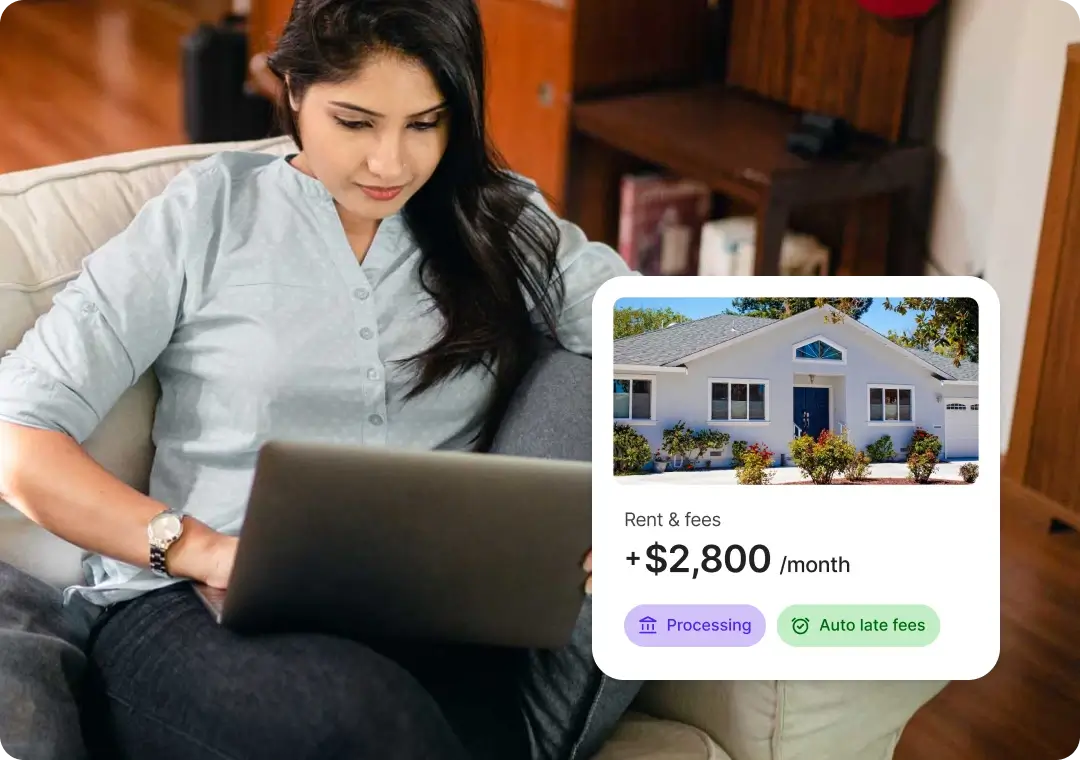
123 Sample Street

Lease
Signed
Security deposit
Processing

Create one listing and we'll send it to Zillow, Redfin, Apartments.com, Zumper, and Realtor.com, plus a dozen other partner sites. Renters can apply from any of them, and every application comes back to you in one place.
4.6 stars · 1,700+ Google reviews · 4M+ users






123 Sample Street
Lease



Zillow, Apartments.com, Realtor.com, Redfin, and Zumper all accept free rental listings, and some offer paid upgrades for more visibility. Instead of creating an account on each one, you can create a single free listing on RentSpree and have it sent to all 5, plus the other sites in their networks.
Use a tool that syndicates your listing. You create the listing once, and it's published to several rental sites automatically. On RentSpree, add your property, create the listing, and publish. After a quick Trust & Safety review, it goes to Zillow, Redfin, Apartments.com, Zumper, Realtor.com, and a dozen more rental sites, and applications from all of them come back to your RentSpree dashboard.
Rental listing syndication means posting a rental in one place and having it shared automatically with other listing sites. It saves you from creating and updating a separate listing on each site. RentSpree syndicates to 5 major rental sites, and each of them shares listings across its own network.
Yes. Creating a listing and sending it to partner sites is free for landlords and agents. If you request tenant screening, applicants typically pay the application fee. Optional tools like e-signatures are included with Landlord PRO.
RentSpree sends your listing to Zillow, Redfin, Apartments.com, Zumper, and Realtor.com. Through their networks, it can also appear on Trulia, HotPads, Rent., ApartmentGuide, Homes.com, ForRent.com, ApartmentFinder, ApartmentHomeLiving, Apartamentos.com, Appartements.ca, Westside Rentals, and PadMapper. Each partner decides which of its sites display a listing, so yours may not appear on every one.
Yes. All 5 partners are turned on by default. To remove one, go to Settings > Listing distribution, turn off the sites you don't want, and select Save changes. Distribution settings apply to every listing on your account.
To advertise a rental property, start with clear photos, an accurate rent price, and the details renters look for first: move-in date, pet policy, parking, utilities, and laundry. Then publish the listing where renters search and share your listing link directly with anyone who asks. Respond to inquiries quickly, since renters often apply to several properties at once.
Deactivate the listing from your property's Listing tab. That removes it from the partner sites, so you stop getting inquiries.
Yes. Any RentSpree user signed up as an agent, landlord, or property manager can create a listing. Agents can manage listings and applications for multiple properties from one dashboard and share results with property owners.